CFI Station 12 Launches in Partnership with Flight Sim Wings
Today marks an exciting milestone for a project that has been more than a year in the making.
I’m proud to officially announce the launch of CFI Station 12, and I’m equally excited to announce that the application is launching in partnership with Flight Sim Wings.
This partnership brings together a shared passion for flight simulation, aviation technology, and creating tools that make simulation more useful, immersive, and accessible.
For me, finding the right partner for CFI Station 12 was important. I wanted to work with people who understood that this wasn’t simply another iPad utility. CFI Station was built around the way instructors, pilots, home cockpit builders, and serious simulation enthusiasts actually use their simulators.
Flight Sim Wings was a natural fit.
Together, we’re introducing CFI Station 12 to the flight simulation community with a simple philosophy: give the person running the simulator powerful instructor-station capabilities without putting a keyboard and mouse between them and the pilot.
A Different Kind of Instructor Station
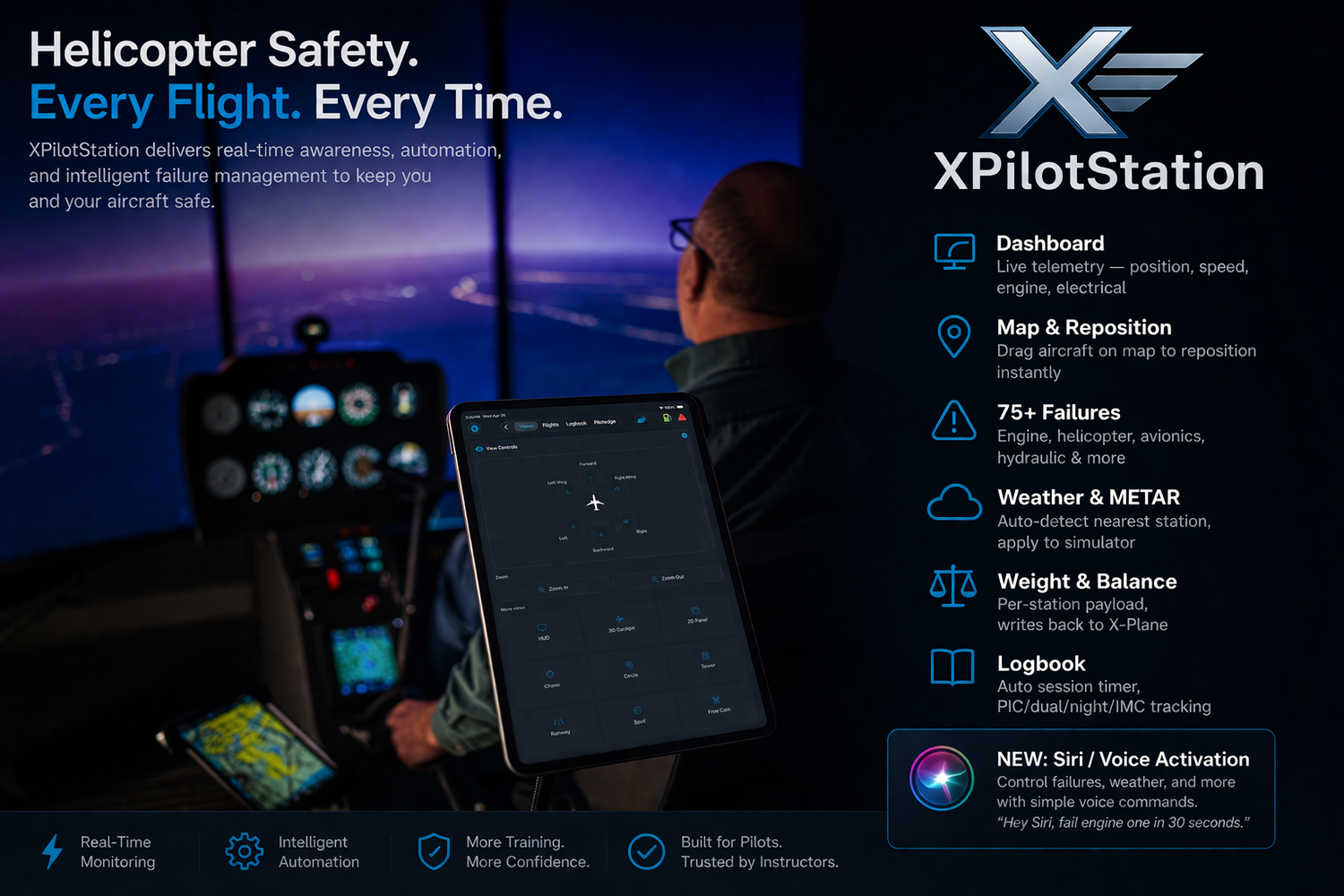
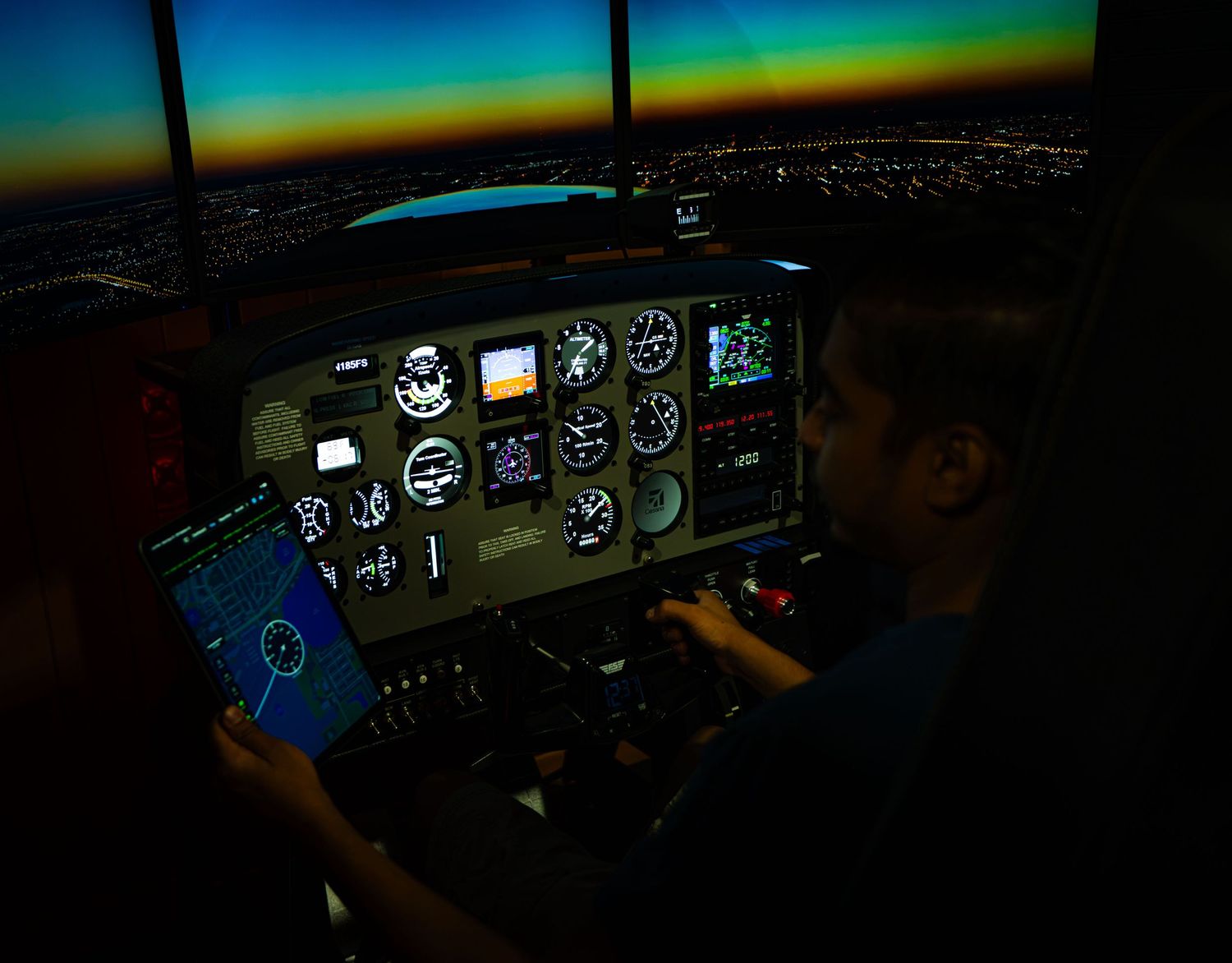
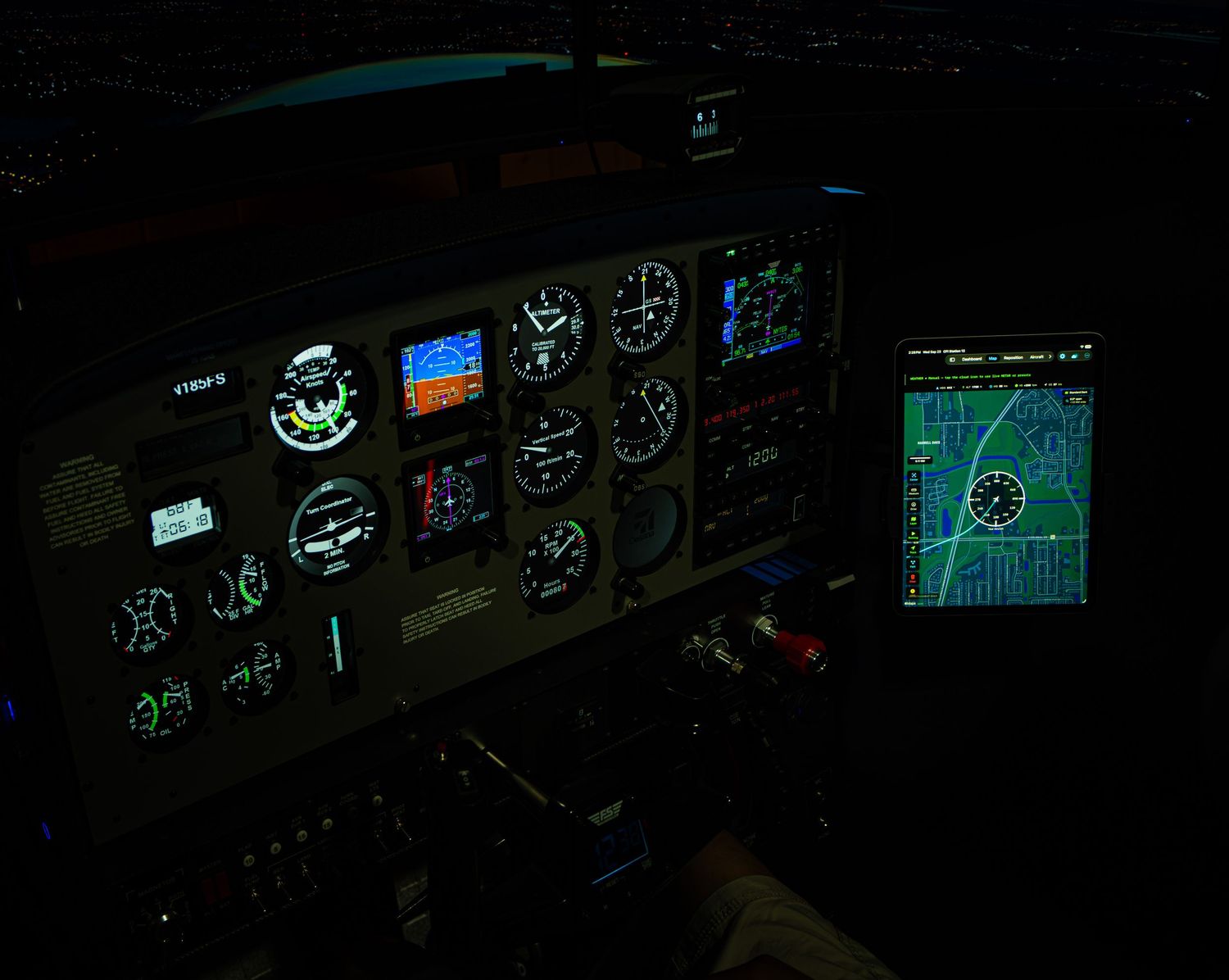
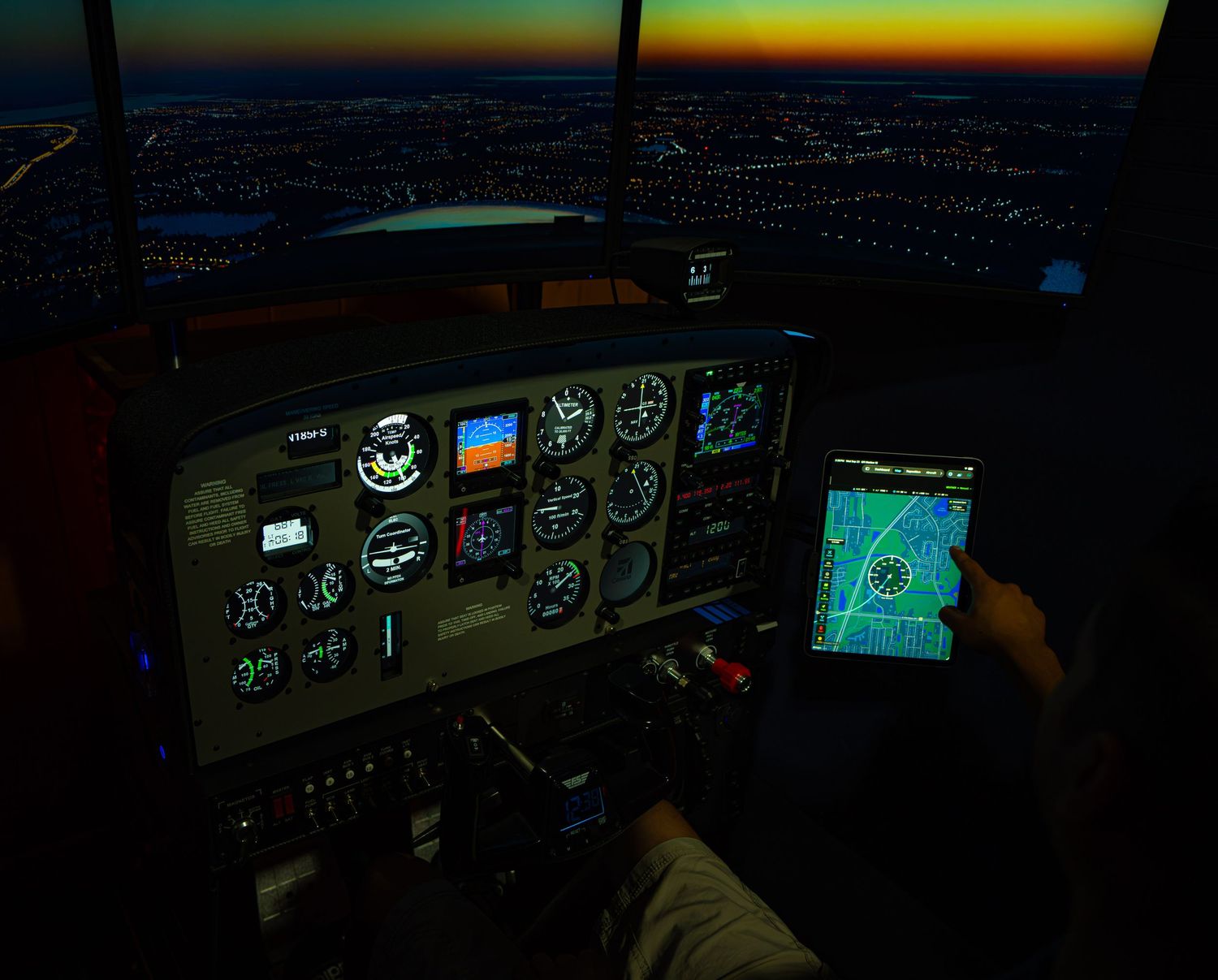
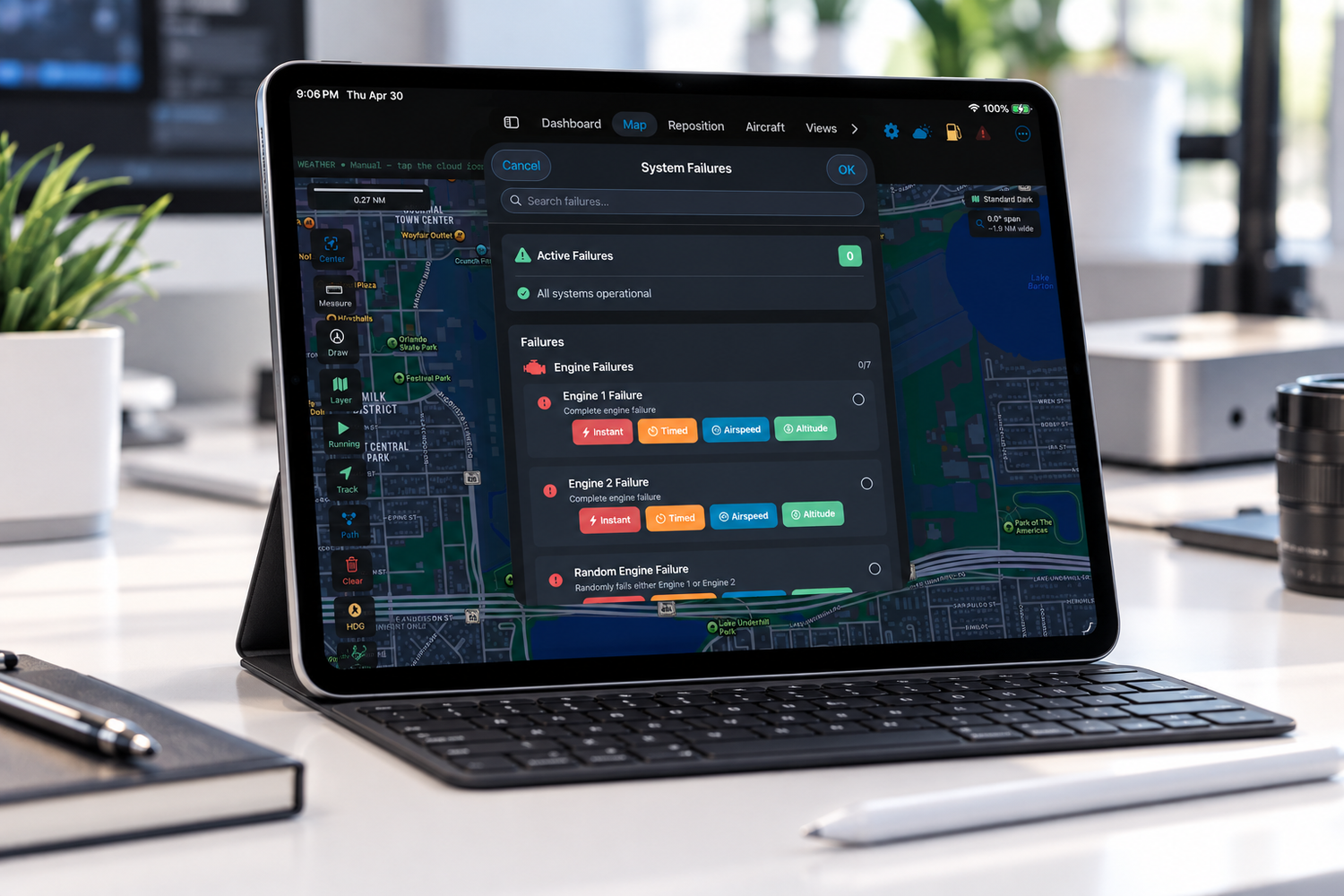
CFI Station 12 puts control of an X-Plane 12 training session directly onto the iPad.
An instructor can introduce more than 75 system failures across engine, electrical, hydraulic, flight controls, instruments, avionics, environmental systems, landing gear, and more.
Failures can happen instantly—or be triggered by time, altitude, or airspeed—making it possible to create scenarios without the pilot knowing exactly what is coming or when.
Aircraft can be repositioned anywhere in the world, including approaches and runway positions at more than 83,000 airports. Real-world METAR weather can be downloaded and applied to the simulator. Fuel and payload can be managed remotely, aircraft telemetry monitored in real time, cameras controlled, situations saved and recalled, and simulator sessions logged.
And sometimes, you don’t even have to touch the iPad.
With native Siri Shortcuts, an instructor can simply say:
“Hey Siri, fail engine one in 30 seconds.”
Then keep watching the pilot.
That is exactly what CFI Station 12 was designed to do—put the instructor’s attention back where it belongs: on the person flying.
No Keyboard. No Mouse. Just Fly.
CFI Station began with a very simple question:
Why should an instructor have to constantly reach for a keyboard and mouse to control a simulator?
That question eventually became CFI Station 12.
The result is an instructor station you can hold in your hands.
Reposition the aircraft. Change the weather. Introduce a failure. Adjust fuel and payload. Monitor the flight. Recall a training scenario. Control the camera.
Then get out of the way and let the pilot fly.
The Beginning of a Partnership
Launching CFI Station 12 with Flight Sim Wings represents something bigger than releasing Version 1.0.
It gives this project a partner as we introduce CFI Station to the wider flight simulation community, listen to the people actually using it, and continue exploring where we can take it next.
CFI Station started as an idea born from my own experience with flight simulators:
There has to be a better way to do this.
After more than a year of development, countless hours working with X-Plane data, networking, aircraft systems, failures, and the inevitable trial and error that comes with building something new, that idea is finally a released product.
And now, together with Flight Sim Wings, CFI Station 12 is officially launched.
I’m incredibly excited to see where this partnership—and this application—goes from here.
No keyboard. No mouse. Just fly.
Welcome to CFI Station 12.