
Nightshift
Your work doesn’t stop. Your backups shouldn’t either.
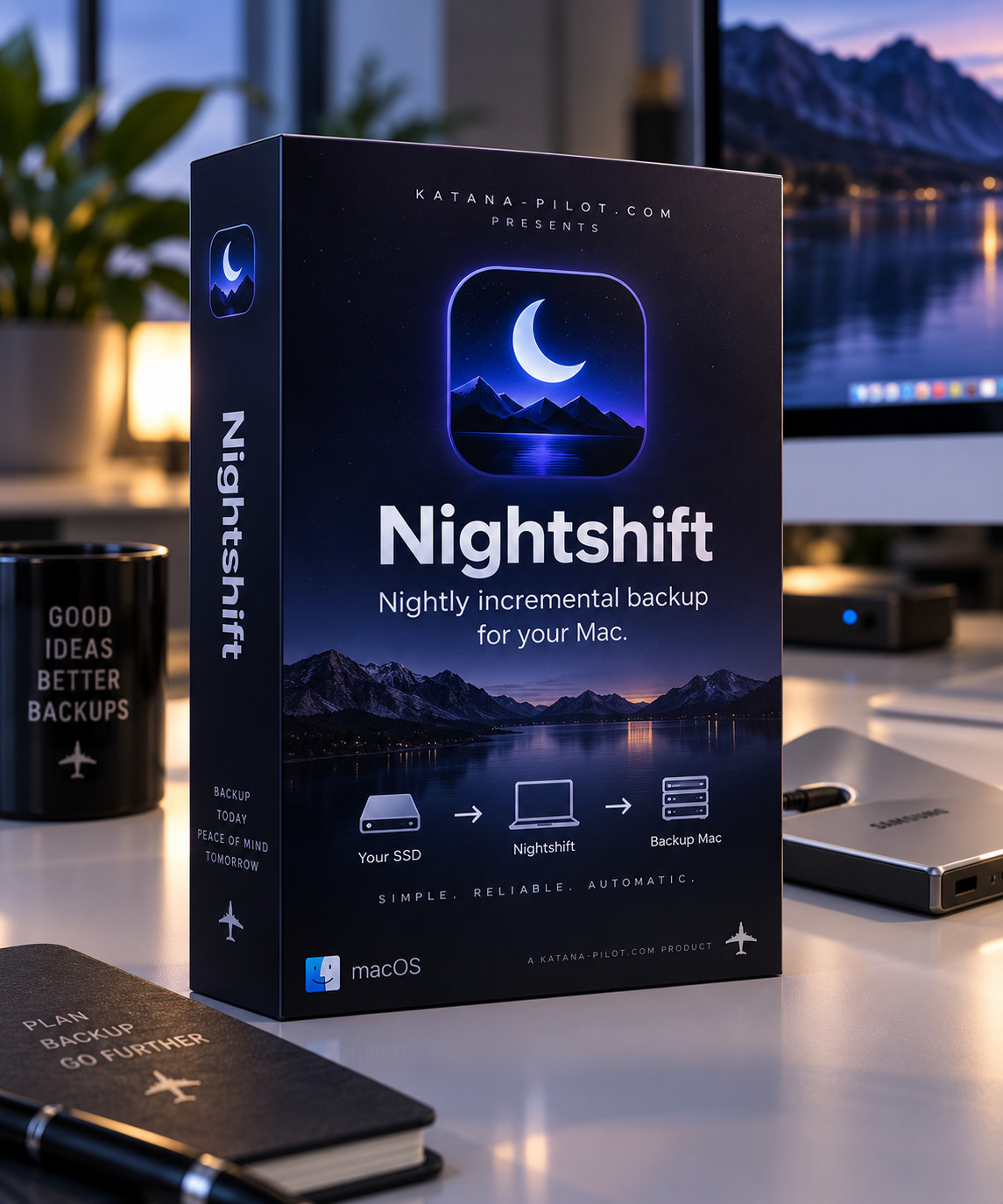
Nightshift is a simple nightly incremental backup application for macOS, designed for people who work from external SSDs.
If your development projects, photography, video, simulator software, or other important files live on an external SSD, Nightshift can automatically copy new and changed files to another Mac on your network — every night.
Set it up once. Leave Nightshift running. Go back to work.
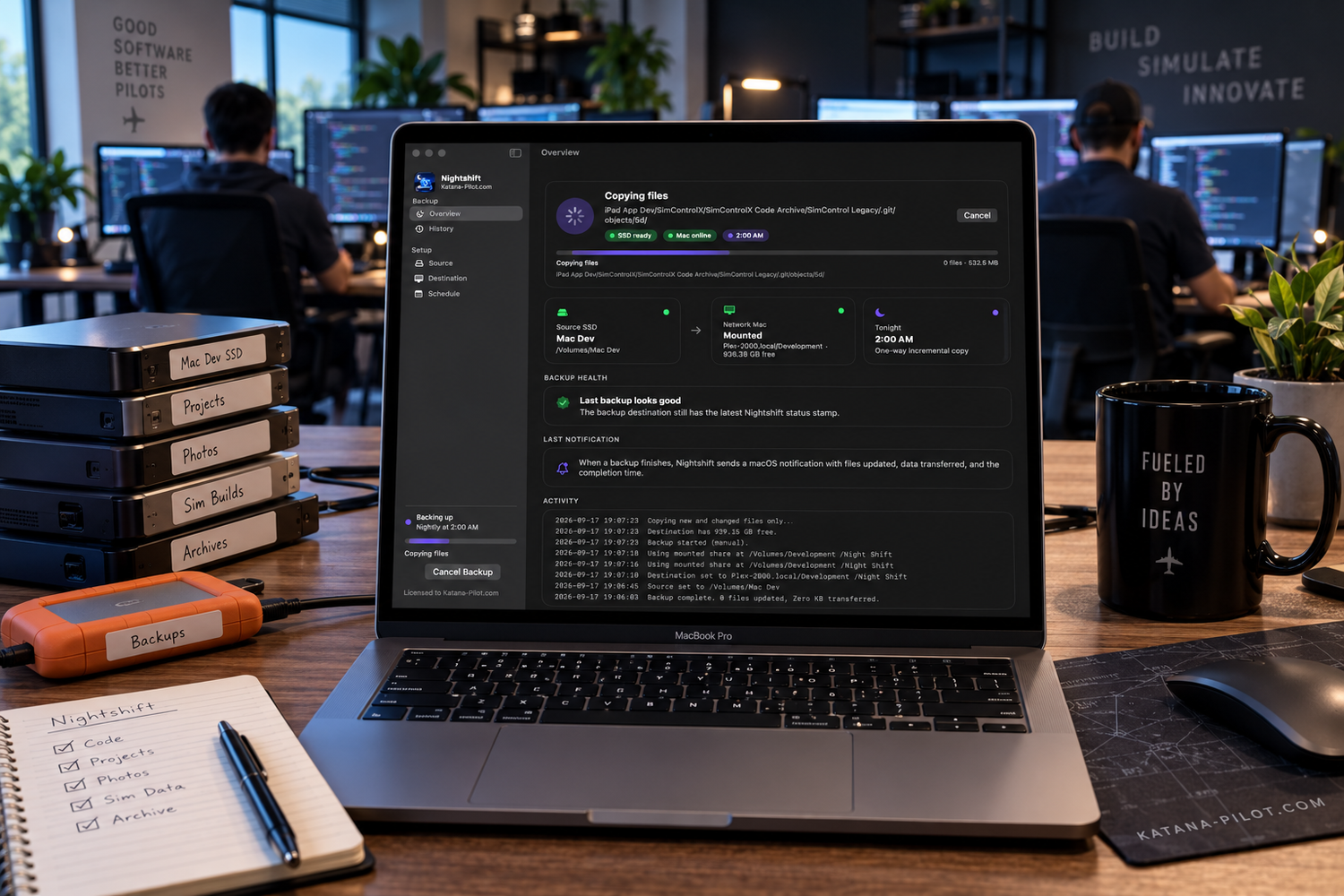
Built for the way many of us actually work
I created Nightshift because much of my own work doesn't live on the internal drive of my MacBook.
Development projects, simulator software, photography, archives, and other working files may live on external SSDs. Those drives are fast and convenient, but they also contain work that can represent hundreds or thousands of hours.
Nightshift gives that workflow a simple second layer of protection.
Choose a folder on your external SSD, choose a shared folder on another Mac on your network, select a backup time, and Nightshift takes it from there.
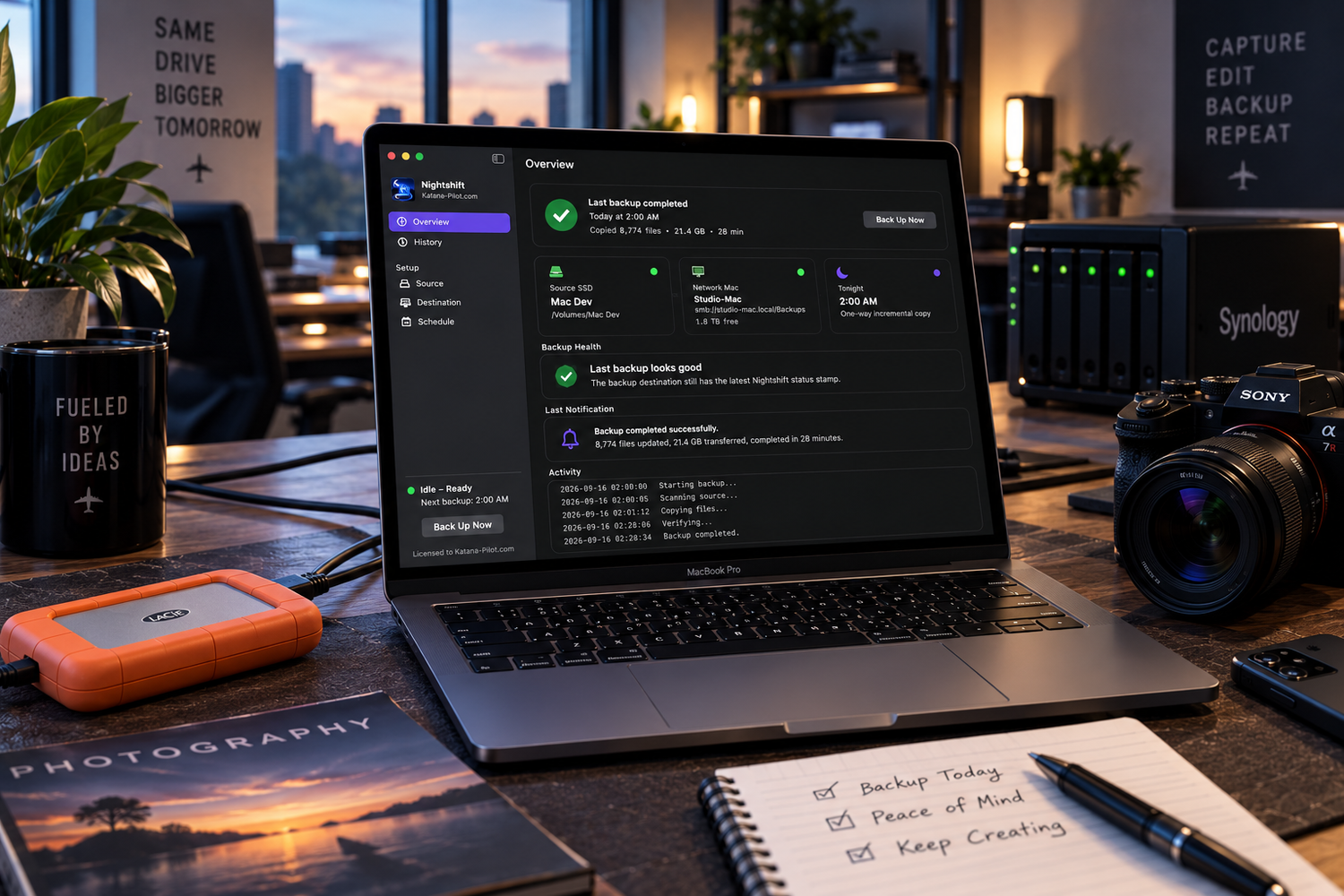
One-way backup. By design.
It reads your working files, but never writes back to the SSD. Your backup destination cannot overwrite your working files. And if you delete something from the SSD, Nightshift does not automatically delete the existing copy from the backup Mac.
What Price? The app is Free!
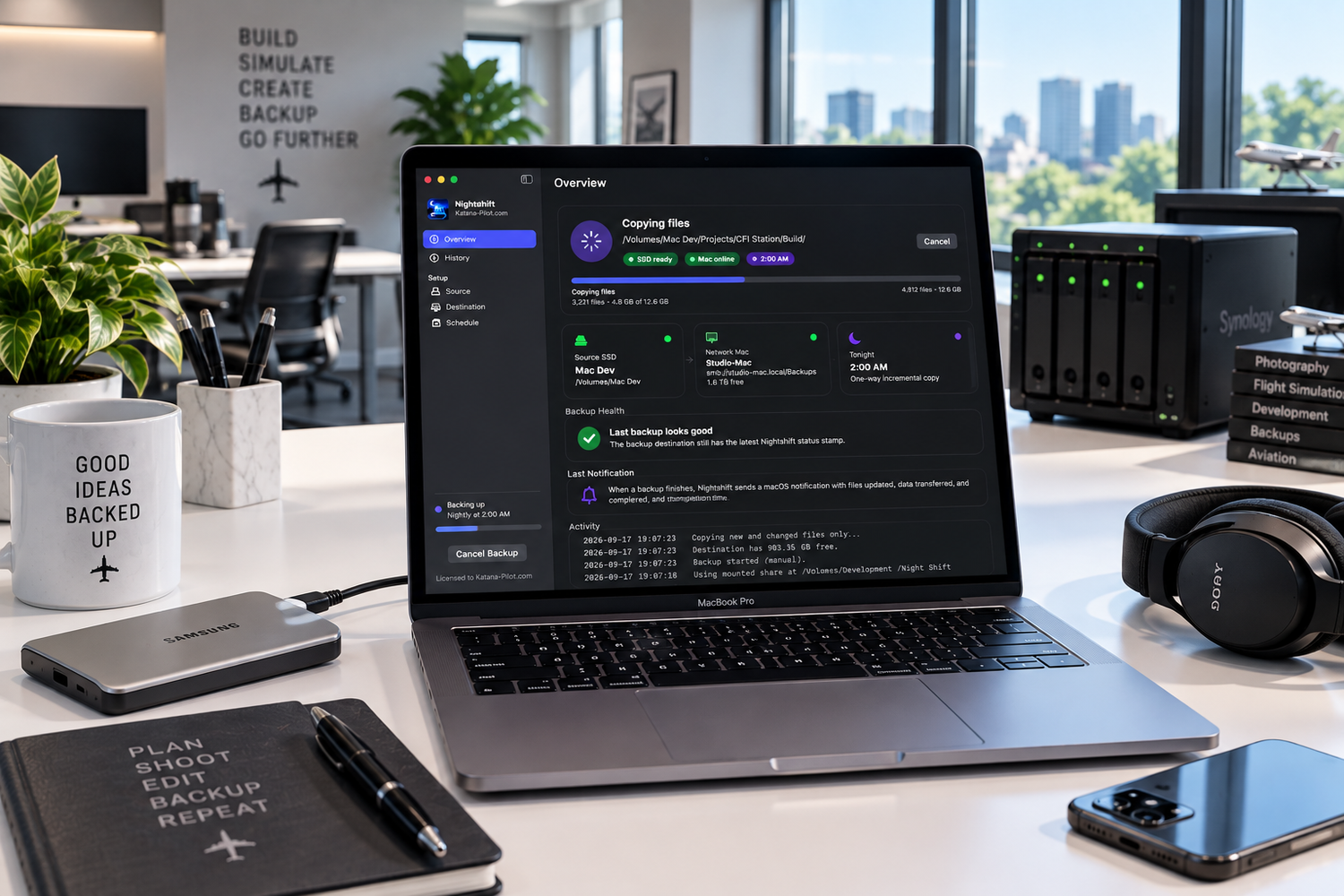
Only copy what changed
Nightshift doesn't need to copy your entire SSD every night.
After the initial backup, Nightshift compares the source and destination and transfers only new and changed files.
What Price? The app is Free!
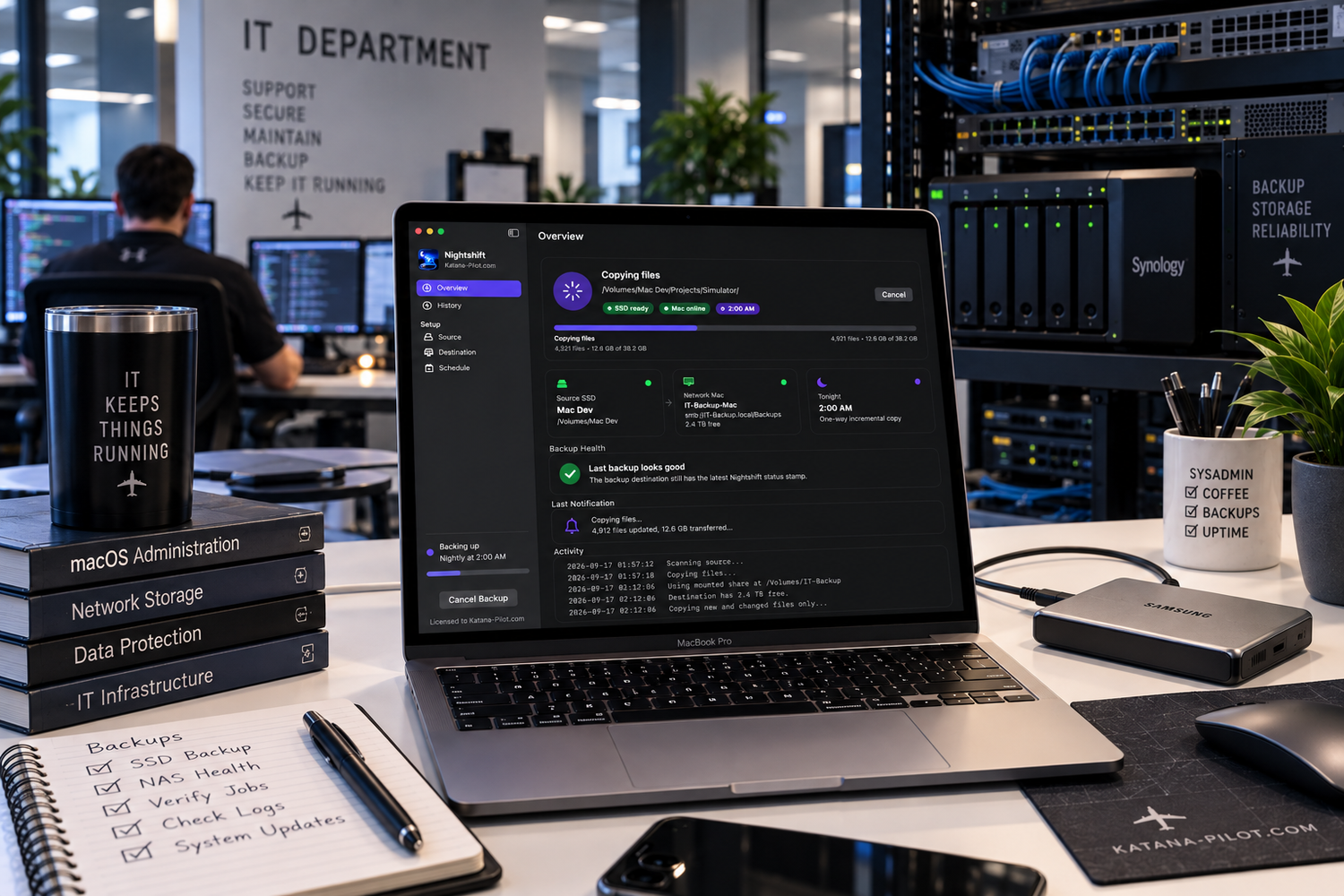
Set it for tonight
Nightshift includes a built-in scheduler.
By default, Nightshift can run at 2:00 AM, retry every 15 minutes when the destination Mac isn't available, and continue trying through a configurable overnight window. It can also open automatically when you log into your Mac.
What Price? The app is Free!
One-way backup. By design.
Nightshift treats your external SSD as the master.
It reads your working files, but never writes back to the SSD. Your backup destination cannot overwrite your working files. And if you delete something from the SSD, Nightshift does not automatically delete the existing copy from the backup Mac.
macOS notifications when the job is done
Know what happened
The Nightshift Overview gives you a clear picture of your backup:
- Source SSD and destination Mac status
- Tonight's scheduled backup time
- Current file and backup progress
- Number of files copied and data transferred
- Backup health
- Recent notifications
- Live backup activity
- Nightshift also maintains a History of completed, skipped, failed, and cancelled backups, including how many files were copied and how much data was transferred.