Focus on What’s Next
On the outer display, Cirrus Go keeps things simple with a single-column layout. Lessons, Checklists, Training Centers, and Flight Plans start with your list. Choose an item to open its details.
It’s a focused way to find what you need while keeping the phone compact.
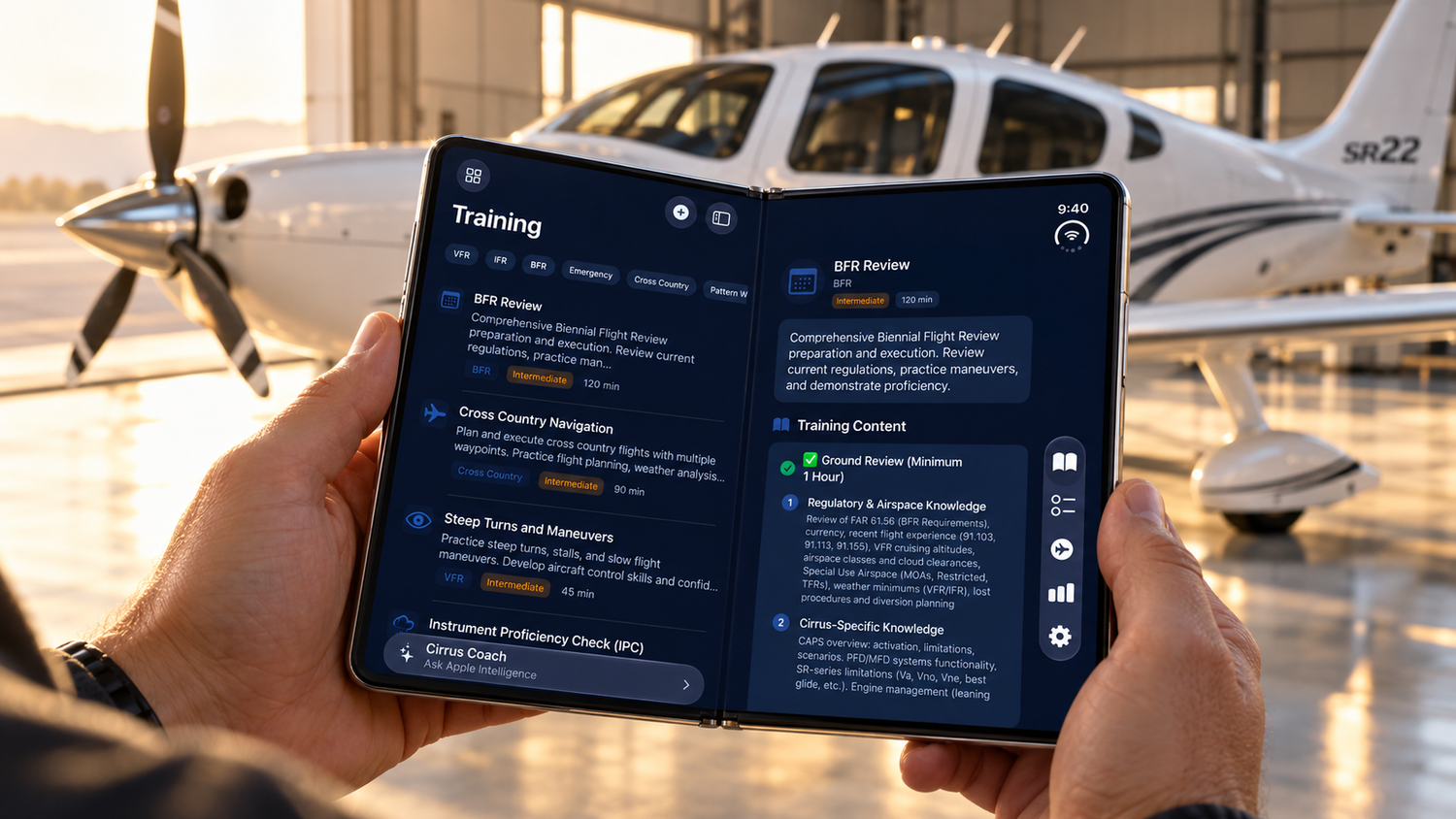
Unfold iPhone Duo, and Cirrus Go expands into a split view. Your list stays beside the details, making it easier to move between lessons, browse checklists, explore training centers, and review flight plans.
The first item opens automatically when you unfold, so the larger display is ready to use right away.
Cirrus Go now supports both portrait and landscape, filling the inner display as you rotate the phone. Keep it upright or turn it sideways for a wider view of your content.
From a quick look on the outer screen to a more spacious review inside, this update helps Cirrus Go make better use of every display—and every fold.